
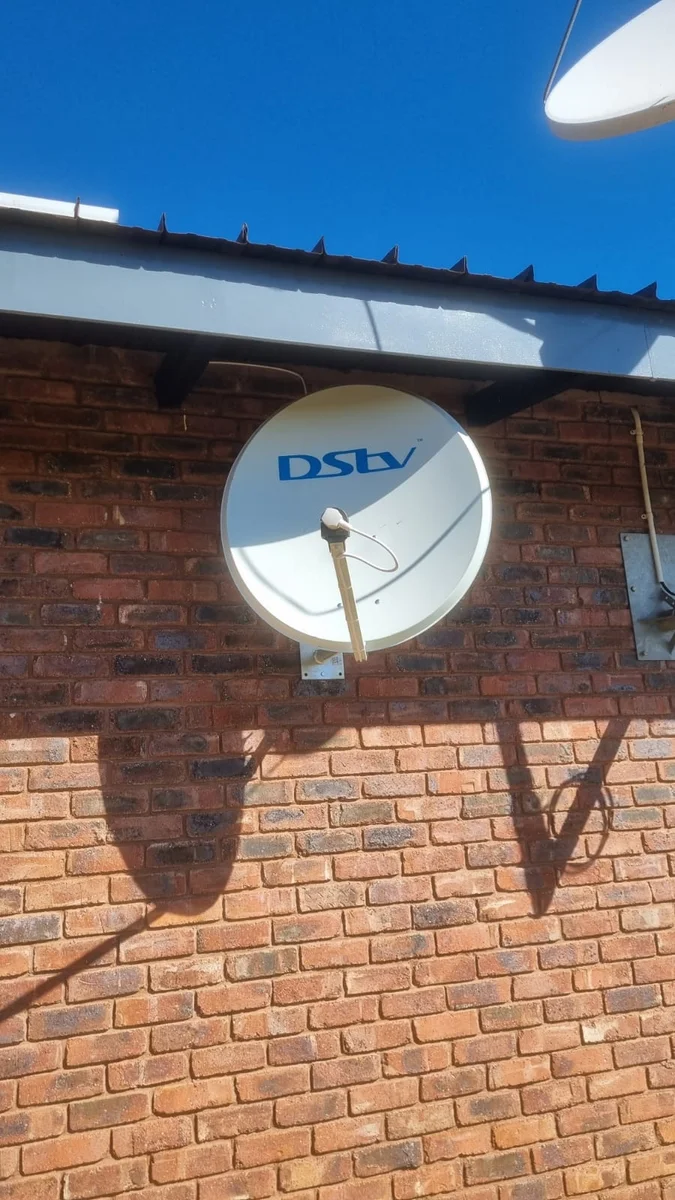
DStv Signal Problems in Kempton Park
A blank screen, a code you have started to recognise, or a picture stuck mid-frame. Work down the checks on this page first — what they don't solve, we trace with a meter, from the dish through the cable to the decoder.
What Usually Goes Wrong
No Signal (E48 / E48-32)
An E48 on screen says the decoder is short of satellite signal. The -32 on the end is the weather variant, thrown while heavy rain or a storm sits between the dish and the satellite. When E48 outlasts the weather, the aim, a tiring LNB or a damaged cable run is what to look at.
Account & Smartcard Errors
E16 and its relatives are billing and smartcard messages. Nothing on the roof causes them and nothing on the roof clears them, so MultiChoice is the first call.
Freezing & Pixelation
Blocky or stuttering pictures mean the signal is arriving with almost no margin left. Corroded outdoor connectors and LNBs near the end of their working life account for most of it.
Decoder Problems
A unit with no lights, one stuck on the start-up screen, or one that reboots itself mid-programme. The power supply, the connections and the box each have to be ruled out in turn.
Five Minutes Before You Phone Anyone
These are all done standing on the floor, and they clear a good share of call-outs. Whatever you do, stay off the roof — the dish tells you nothing up there that a meter cannot tell us at ground level.
"No signal" with a storm overhead
Dense rain between your dish and the satellite will interrupt the picture until the weather moves through. Give it until the sky is properly clear again — if the picture is still missing after that, the storm was not the cause.
"No signal" under a clear sky
Make sure the satellite cable is screwed down properly at the back of the decoder, then pull the plug at the wall, count a full ten seconds and switch it back on. From the ground, look for a dish sitting at an odd angle or a cable something has tugged loose.
E16 or another account message
That is a subscription or smartcard matter rather than a dish one. Sign in at dstv.com, or phone MultiChoice on 011 289 2222 — they can usually clear it while you are on the call.
Picture breaks up on hot afternoons or after dark
That pattern tends to point at an LNB on its way out or a connector that has corroded. Make a note of when it happens; it shortens the diagnosis considerably.
Remote not responding
Fresh batteries first, and aim it straight at the decoder rather than at the television. If nothing changes, the pairing steps for your model are in the decoder guide and on dstv.com.
Nothing at all after a storm
Move the decoder's power supply to a socket you know is live. Still no lights and the unit or its power brick has probably taken a hit — leave it unplugged and phone us.
Working Out Which Part Has Failed
A code on the screen is a symptom, not a diagnosis. The same "no signal" message comes up whether a gust has shifted the dish, the LNB is fading, an outdoor connector has taken in water, or a cable has been nipped behind a gutter. Buying parts in the hope of hitting the right one gets expensive quickly, so we measure the chain from the dish inwards and stop at the first thing that reads wrong.
The first reading is taken at the dish itself, with a proper meter — it resolves strength and quality far more finely than the bars on a decoder menu. Strong at the dish and weak at the television puts the problem in the middle: a length of cable, a joint, or a splitter somebody added years ago. Weak at the dish sends us to the aim, to the LNB, or to whatever has grown or been built into the line of sight since the installation went in.
Kempton Park brings one question to this that the neighbouring towns do not, so it is worth answering plainly. The dish is aimed at a fixed position in the sky, and only something permanently in the way between your wall and that position changes what it receives. Our guide to DStv signal under the OR Tambo flight path sets out where the dish actually points and what the causes turn out to be in practice.
Highveld summers write their own fault list. A picture that drops out mid-downpour and returns once the cloud has moved on is rain fade rather than a fault. A decoder that will not wake up afterwards is another matter: a strike close by can come in down the mains or along the dish cable, so the box itself, its power supply, the LNB and the connection into the television all get tested rather than just the obvious one. Pulling the plug when you hear thunder is still the cheapest insurance going.
Not everything on the screen is ours to put right. E16 and the rest of the account family sit with MultiChoice, and we would far rather say so than charge you for a visit that cannot help — we are an independent installation business, not a MultiChoice branch or walk-in centre. Once a real fault has been repaired, a full dish and cable service is often worth doing while we are already there, so you are not back here in a month. And if a second screen is on the list, ask about adding Extra View.
Screen Still Blank?
Photograph the error and the dish and send them through, or simply phone — between us we'll work out whether this is a visit or a two-minute answer.