
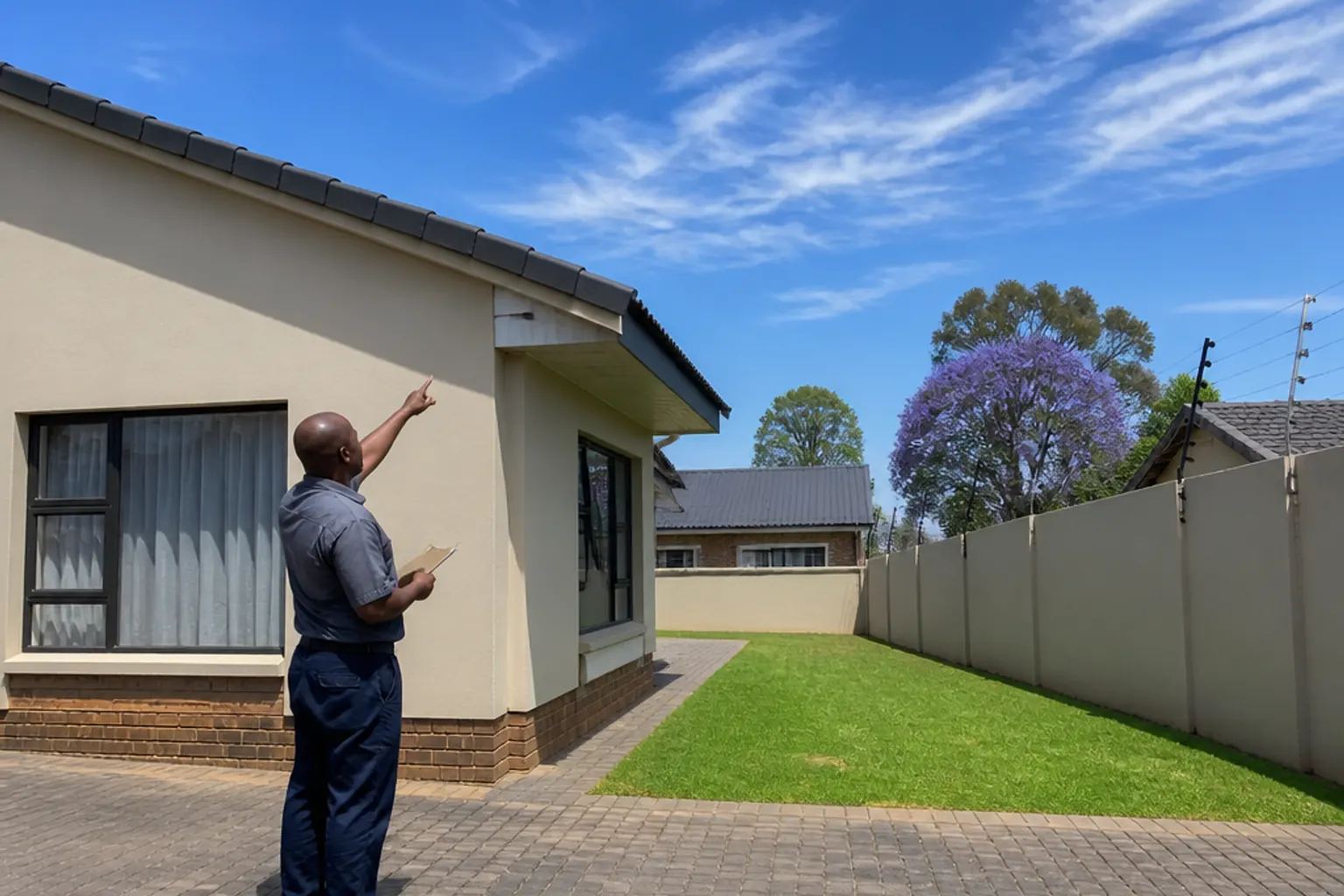
Contact a DStv Installer in Kempton Park
Tell us which suburb you are in and what you need — a new installation, a second TV point, or a fault that keeps coming back — and we'll come back to you with a quote.
Send Us a Message
Contact Information
Use whichever is easiest. WhatsApp is handy if you want to send photos of your dish, decoder or the error on screen.
What to Include When You Get in Touch
The more we know up front, the more useful the first reply is. Start with the suburb — Glen Marais, Birchleigh, Edleen, wherever you are — and say what kind of place it is: a house, a unit in a complex, a flat you rent, a smallholding, business premises. If there is a gate code, a security procedure or a body corporate rule about what may be fixed to a wall, mention that in the same message. Our service areas page lists the suburbs we cover most often.
Then describe the job. For a new installation, say where the TV will be and whether you already have a decoder. For a second room, say roughly how far it is from the main TV — the detail on our Extra View installation page explains why the distance matters. For a fault, tell us what the screen is showing and when it started; most people find it quickest to send photos of the error, the dish and the back of the decoder on WhatsApp.
As a guide, basic installations start from R800, Extra View from R1,500 and fault-finding call-outs from R550, with equipment charged separately. A job with something unusual in it — a pole mount, a long run to a garden flat, several points at once — is quoted for the property once we know the layout, and premises needing a few screens should look at our business installation options.
We work Monday to Saturday, 7am to 6pm, and messages that land after hours are answered the next working day. One thing worth knowing before you write: we are an independent installation business, not a MultiChoice branch, agency or walk-in centre. If your problem is an account, payment or smartcard message such as E16, MultiChoice on 011 289 2222 will sort it out faster than we can — our troubleshooting checklist explains which faults are which.